

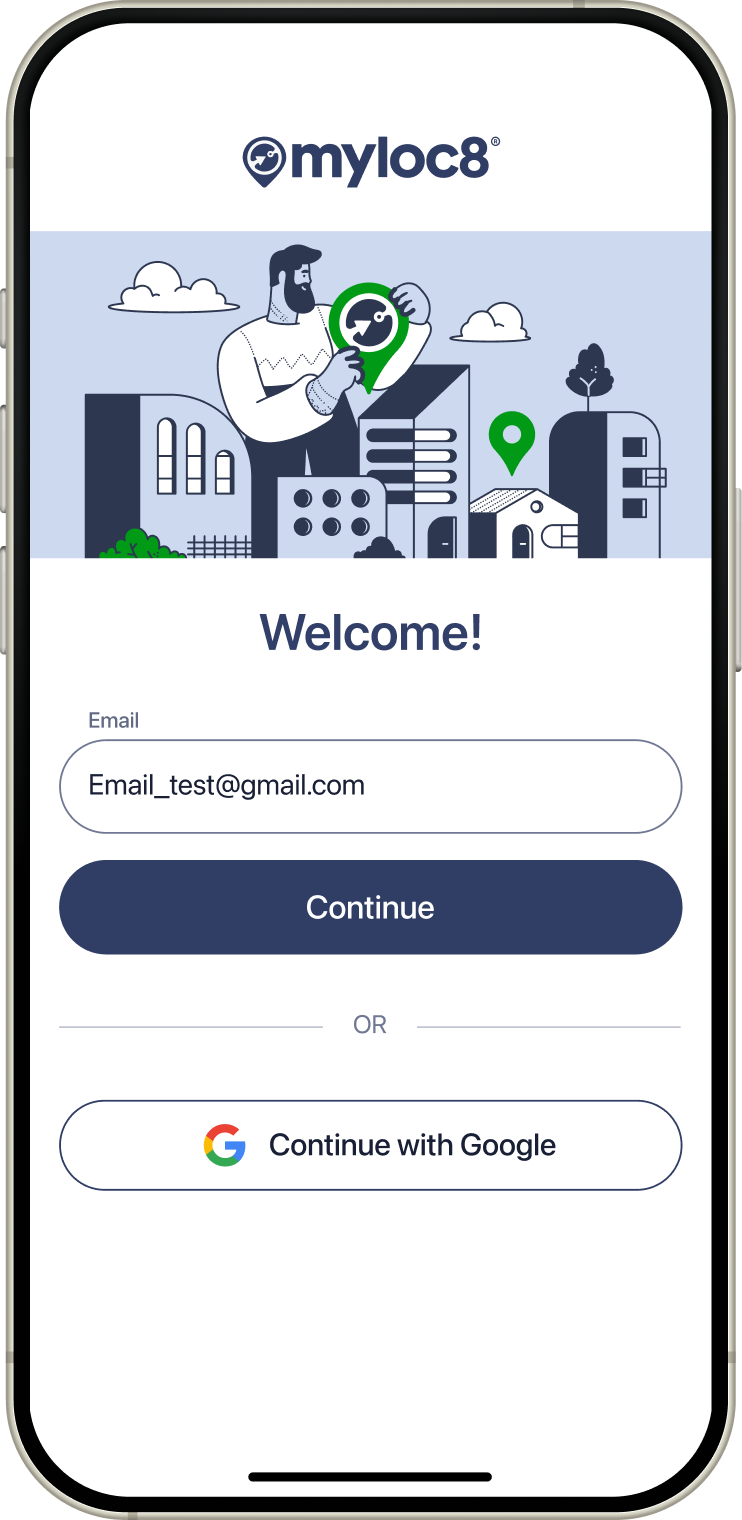
1. Enter your email address
Fill in “Email” field and tap CONTINUE button
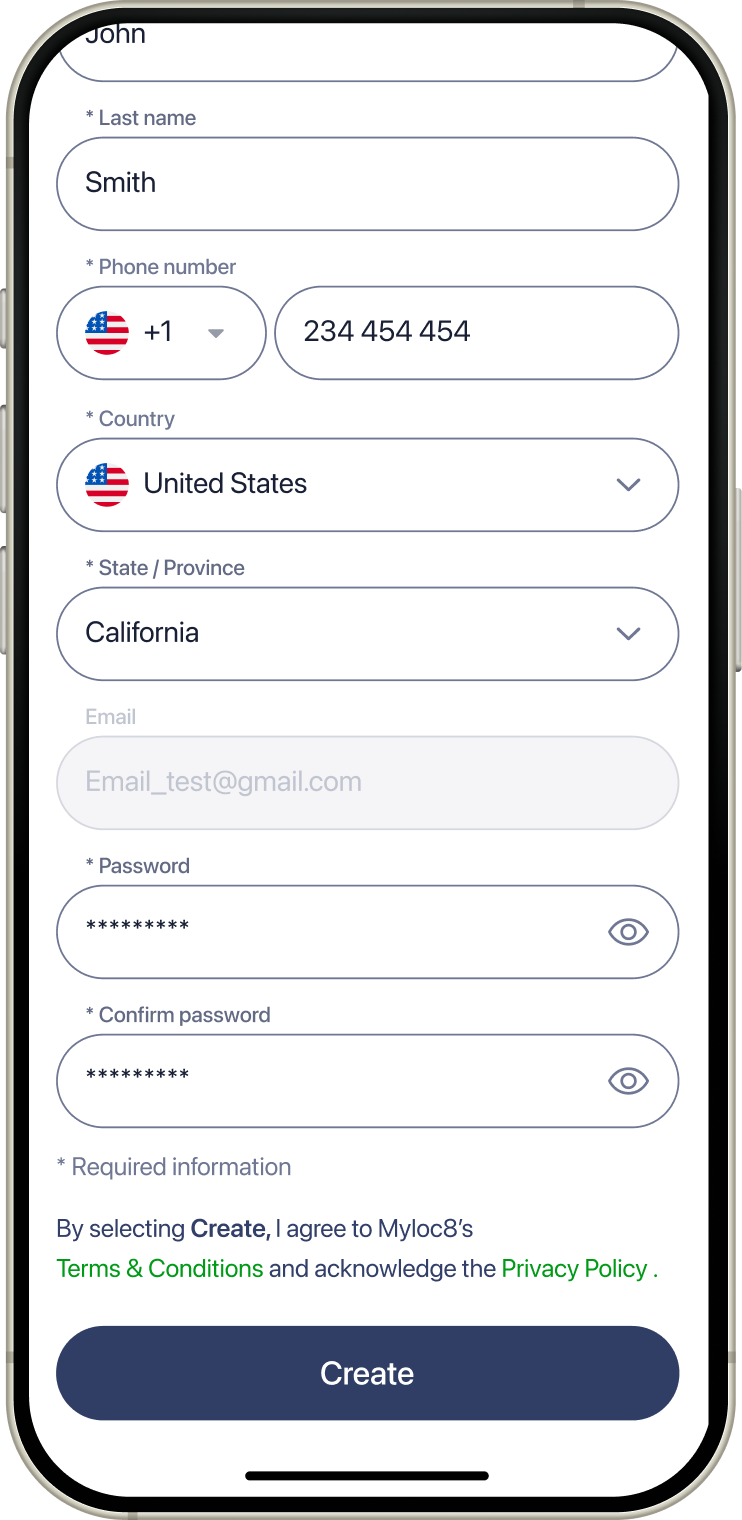
2. Fill in data
Fill in all required data and tap CREATE button
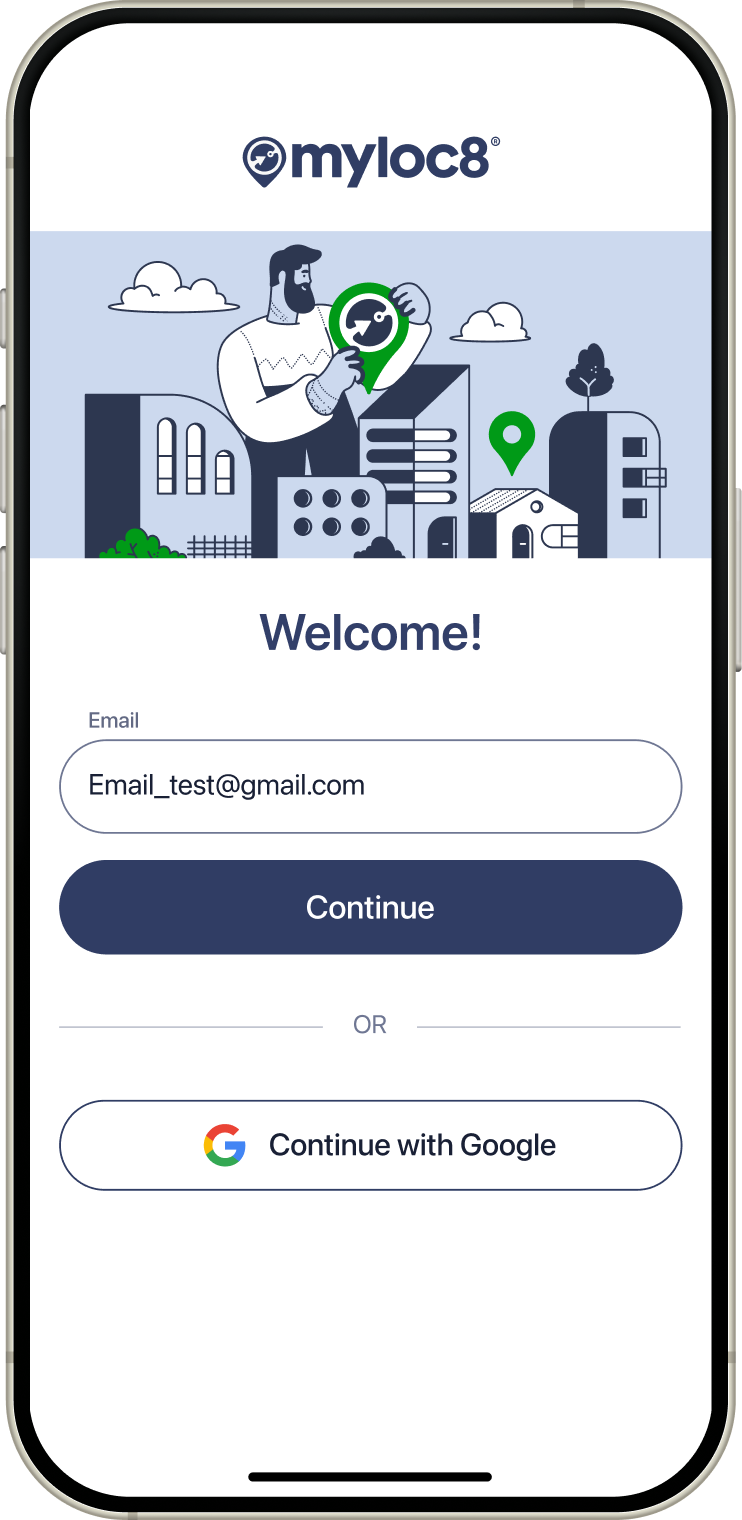
Or use existing accounts
Choose Google account
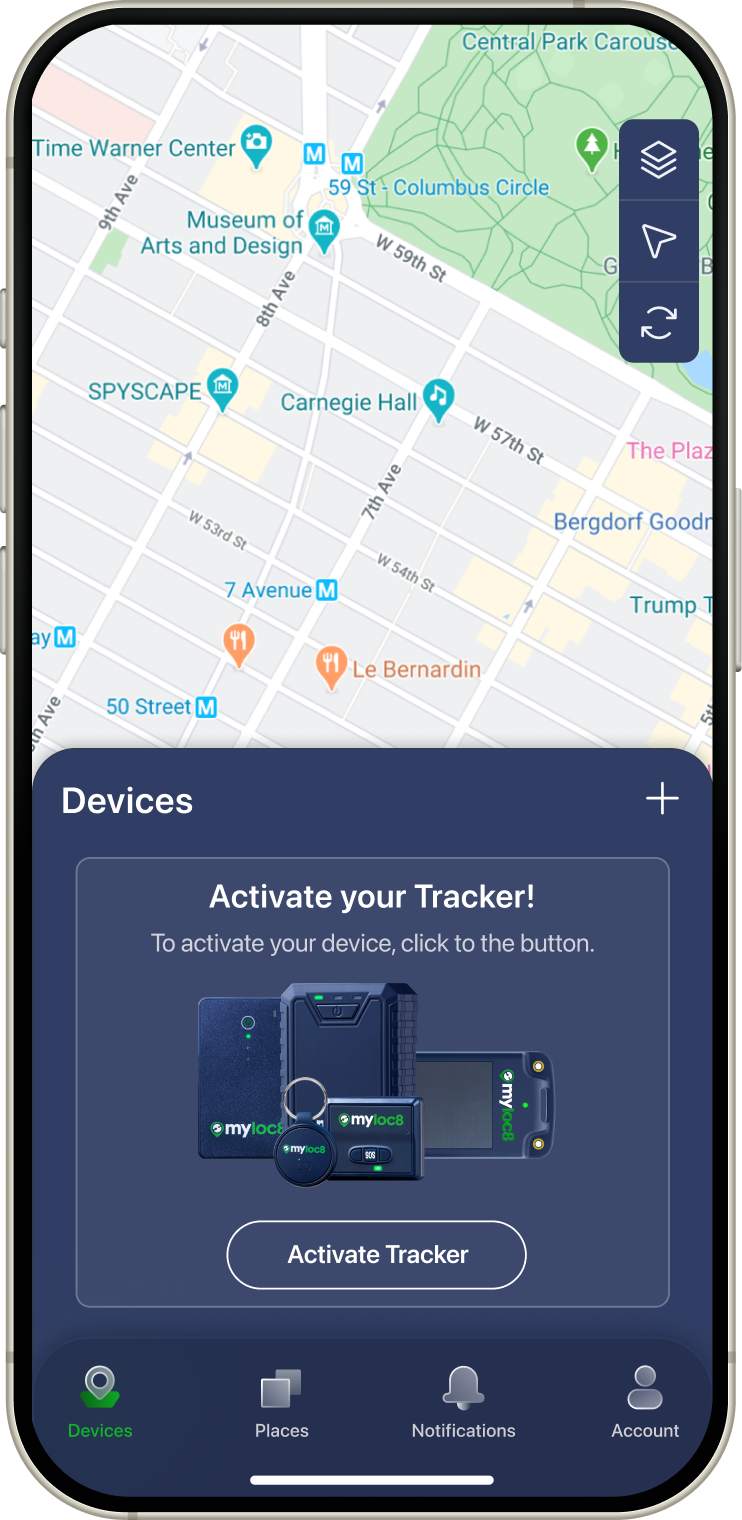
1. Click + icon
On Devices screen tap + icon
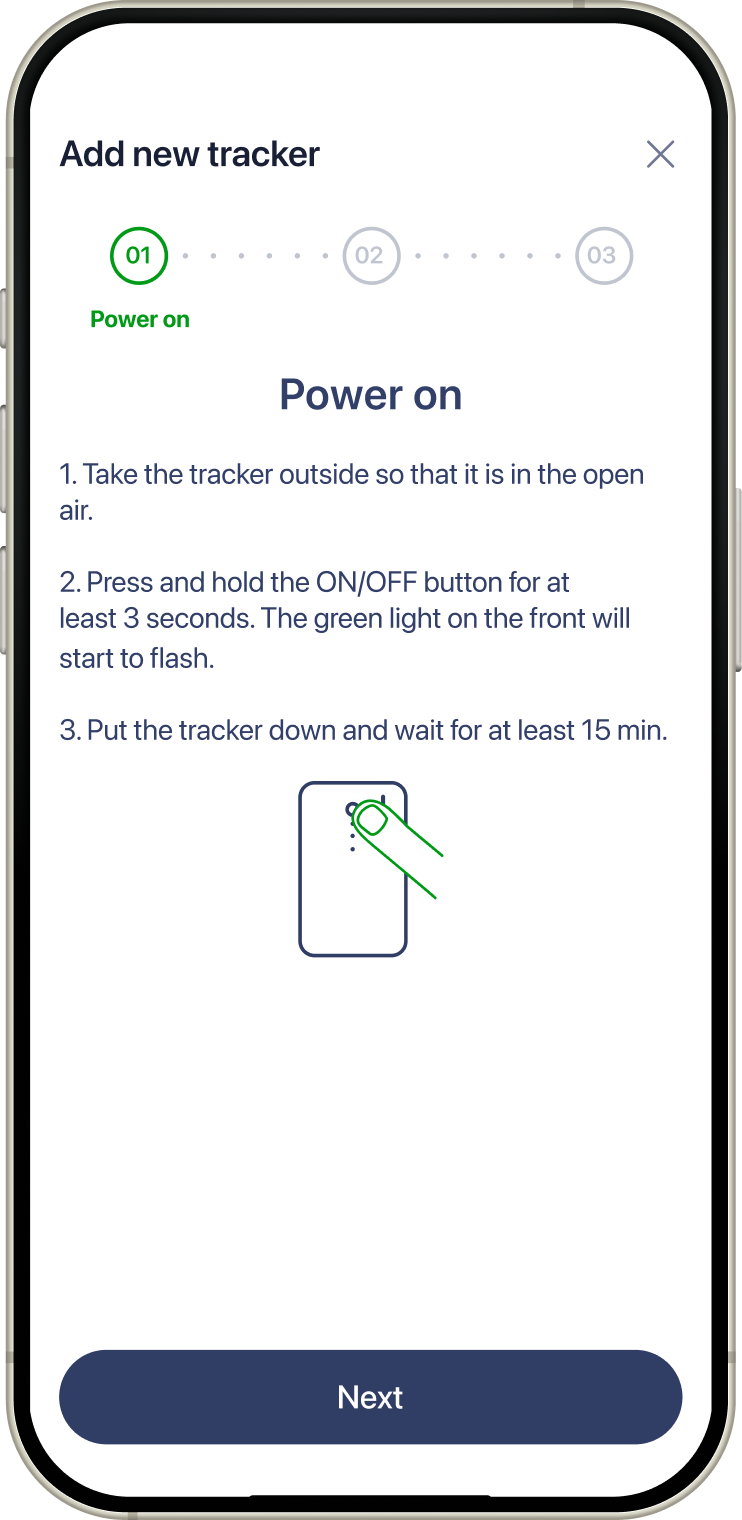
2. Power on device
According to the instruction power on your device and tap Next button
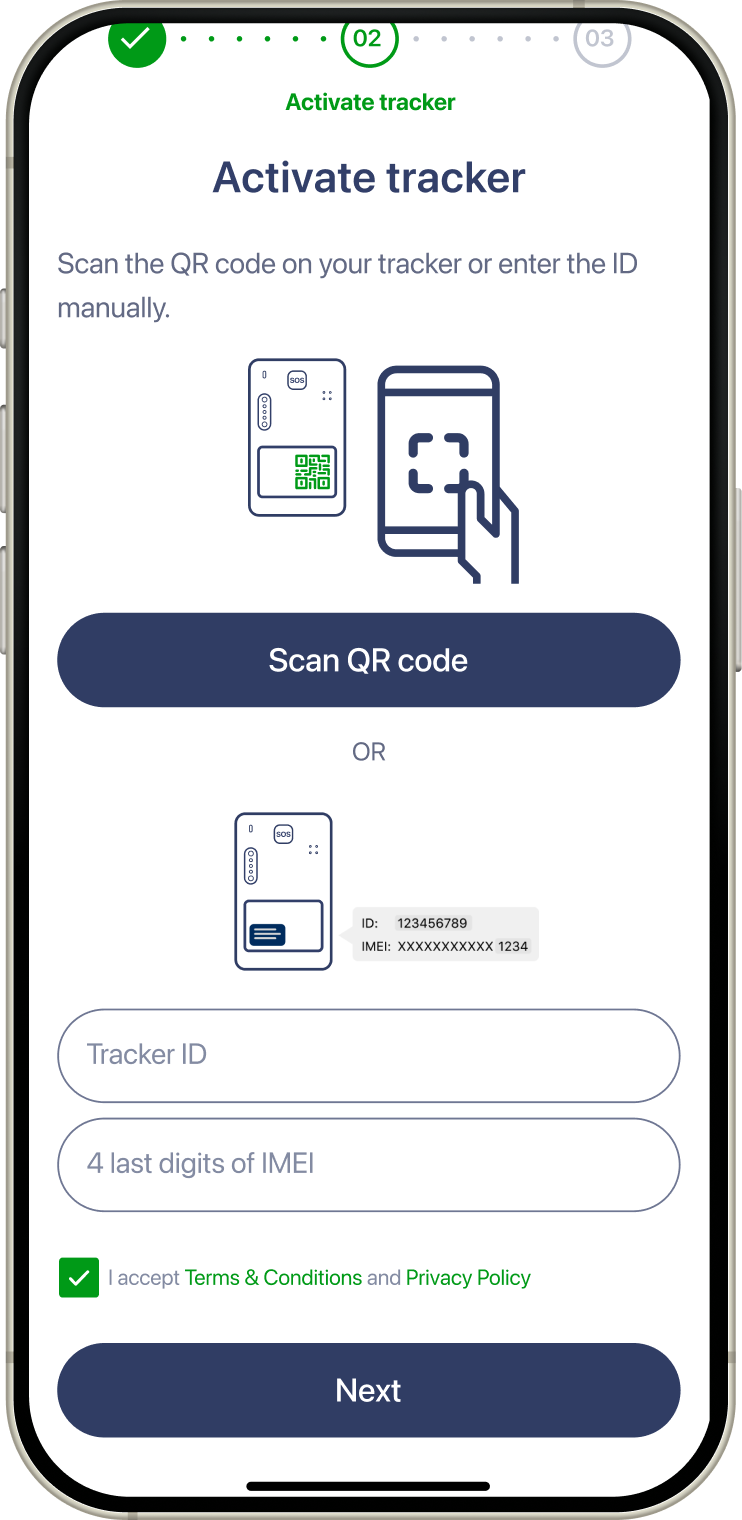
3. Activate tracker
Activate your device using QR code or enter the details manually and tap Next button
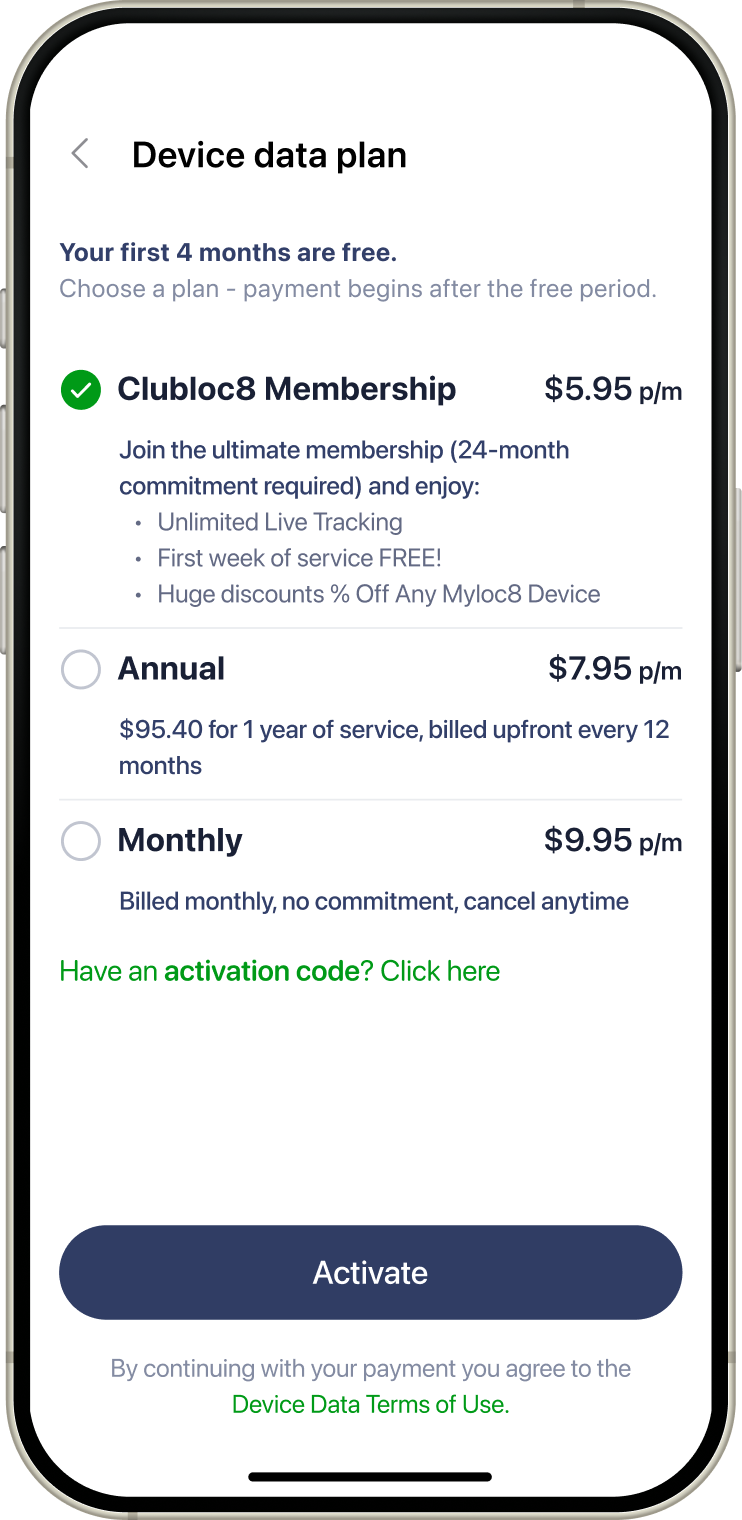
4. Choose plan
Choose your subscription and tap Activate button
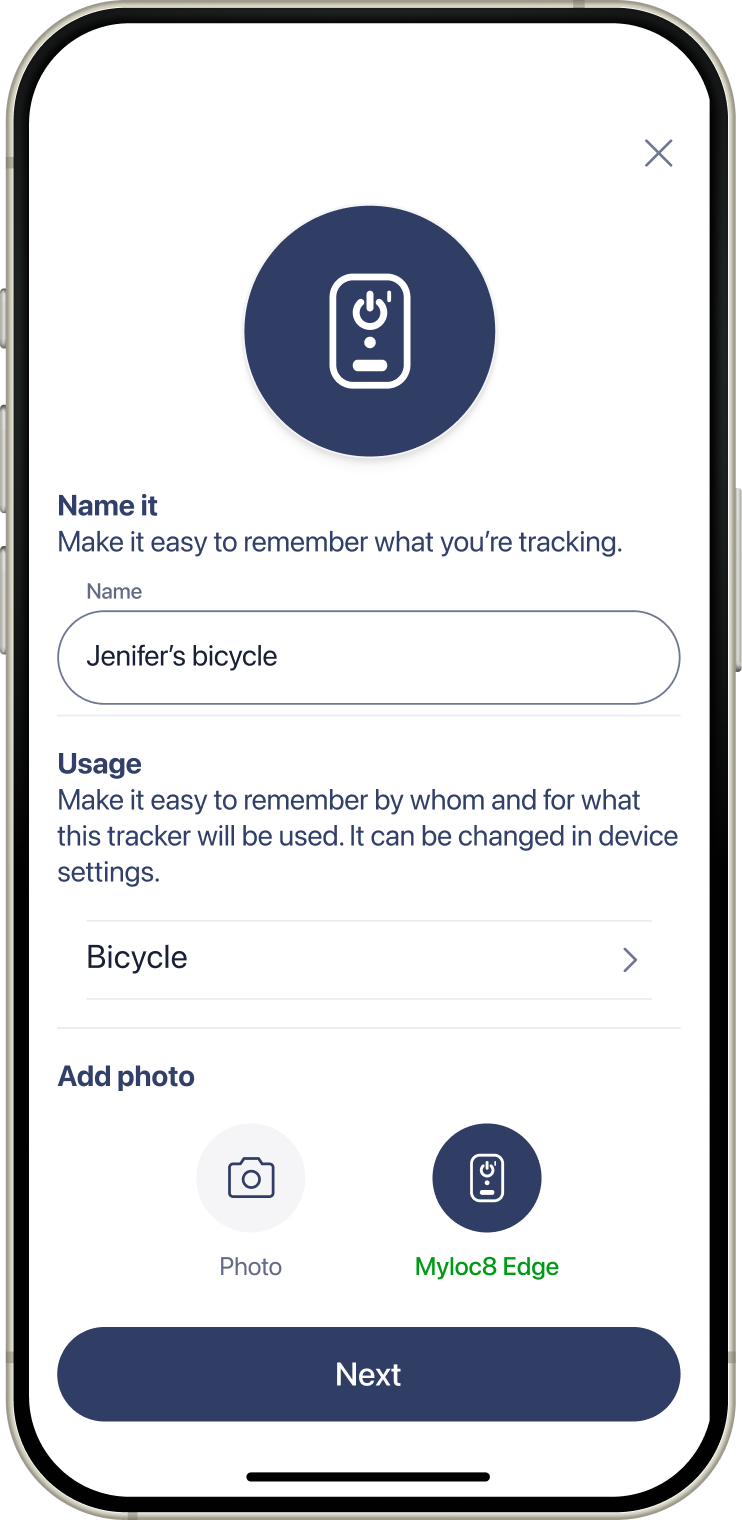
5. Name device
Name your device as you wish
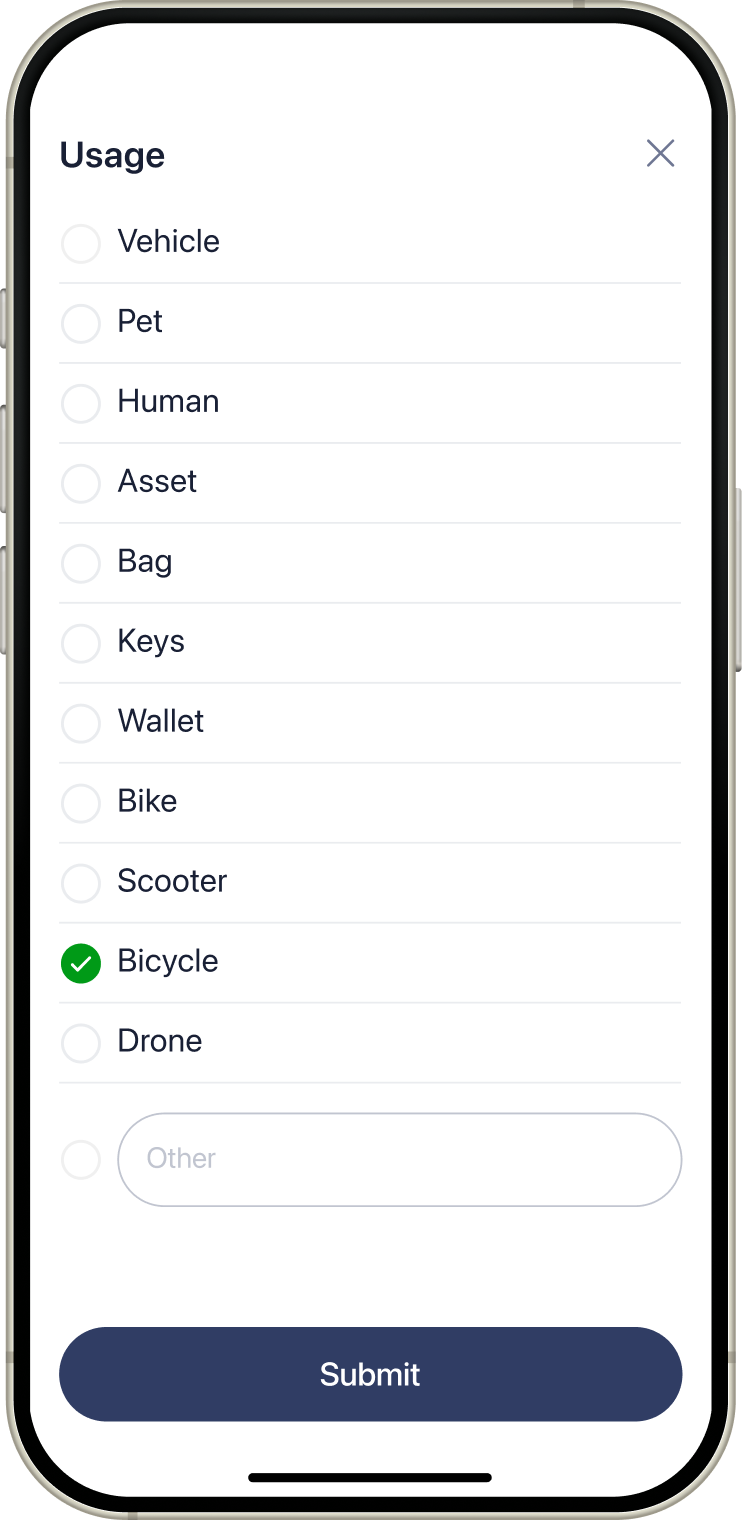
6. Set up usage
Choose usage type for your device and tap Submit button
7. Add photo
Add your photo for the device or keep default device icon and tap Next button
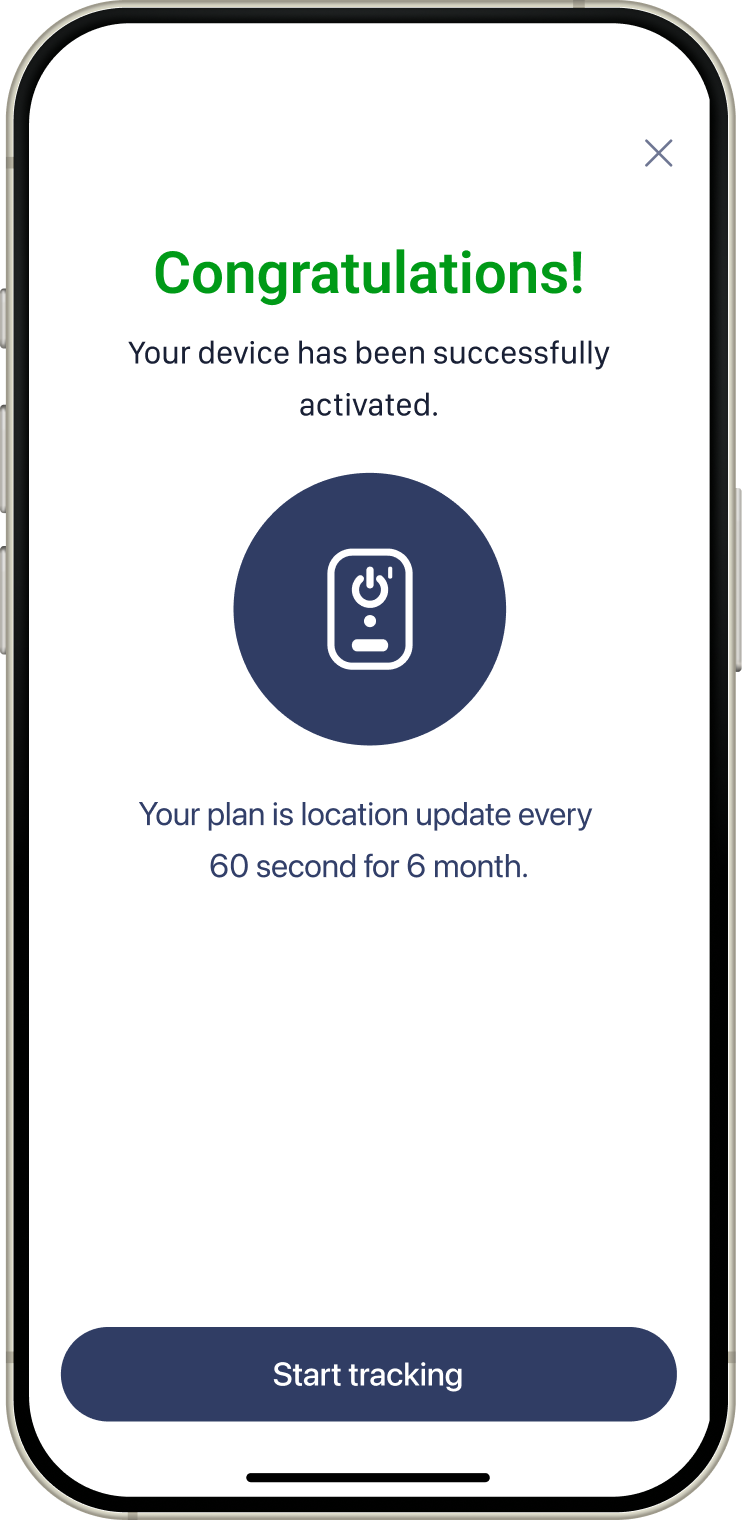
Congratulations!
Tap Start tracking button and your device is ready!
1. Enter your email address
Fill in “Email” field and tap CONTINUE button
2. Fill in data
Fill in all required data and tap CREATE button
Or use existing accounts
Choose Google account
1. Click + icon
On Devices screen tap + icon
2. Power on device
According to the instruction power on your device and tap Next button
3. Activate tracker
Activate your device using QR code or enter the details manually and tap Next button
4. Choose plan
Choose your subscription and tap Activate button
5. Name device
Name your device as you wish
6. Set up usage
Choose usage type for your device and tap Submit button
7. Add photo
Add your photo for the device or keep default device icon and tap Next button
Congratulations!
Tap Start tracking button and your device is ready!