AS300 guide
Get in touch
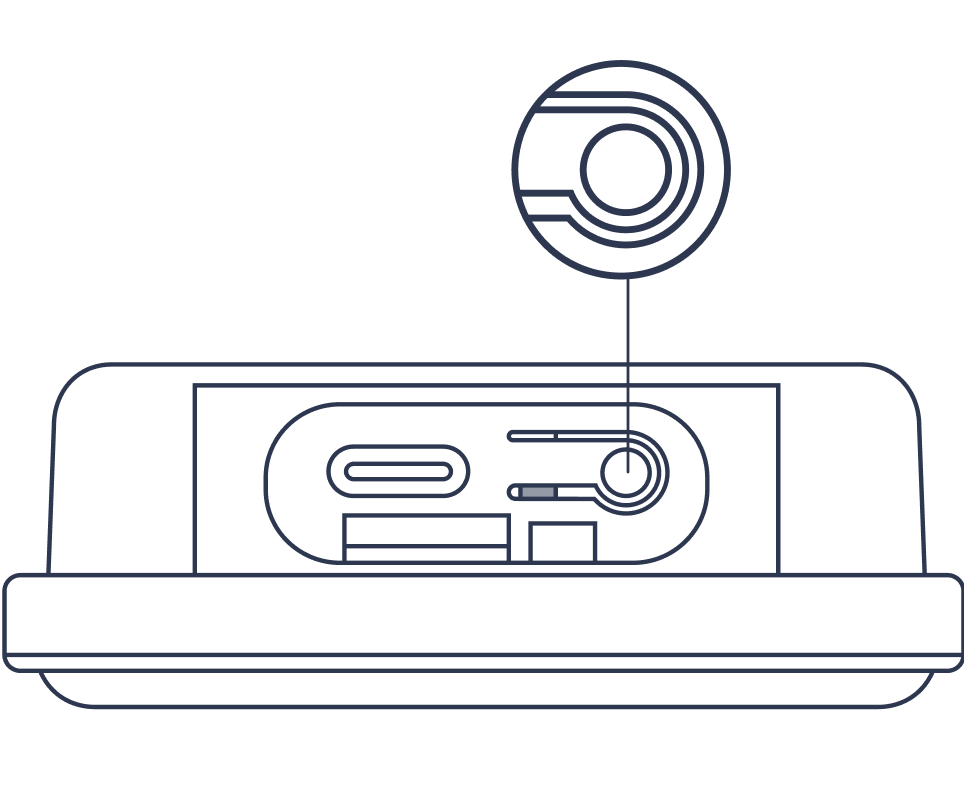
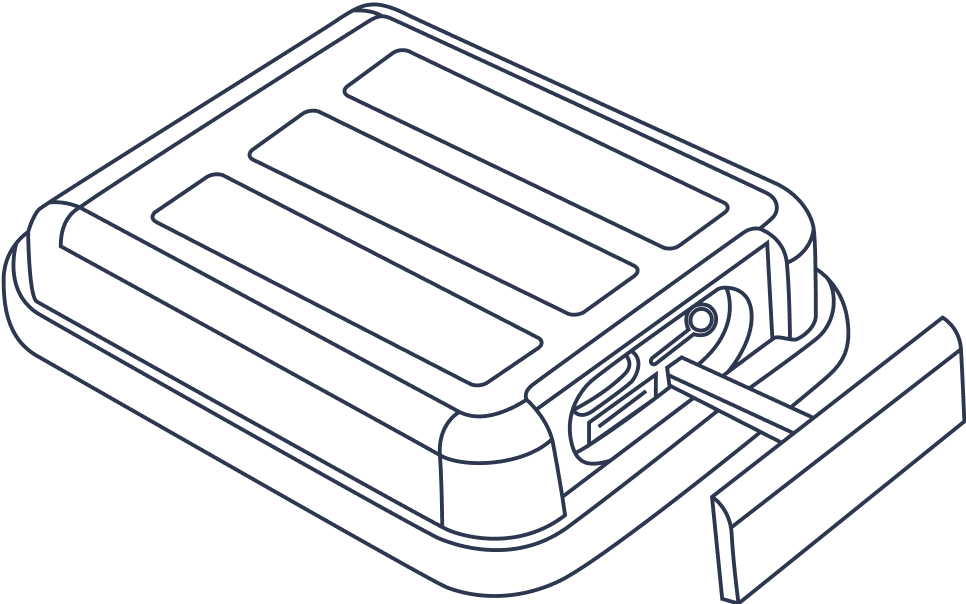
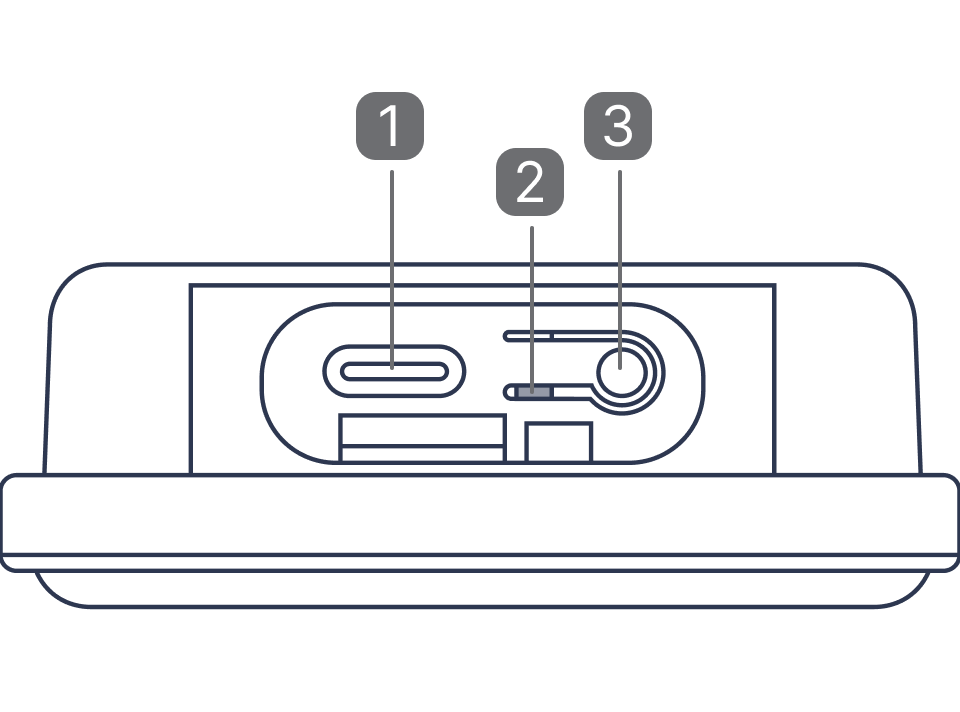
1. Charging Port
2. Light indicator
3. Power button
GPS Trackers need a clear view of the sky to properly receive signals and work best when the device is outdoors, and in or under the vehicle. Wi-Fi or cellular location will be used when the GPS signal is blocked by metal enclosures (i.e a trunk of a car), concrete, trees, heavy clouds and other interference factors.
Getting Started
Charge your device
Before first use, charge until solid blue light appears.
Turn on the device and start tracking
In order to check if the device is on, please press shortly on the button – green light should appear. If not – make a 5s long press on the button to switch the device on (to switch off – make a 3S long press on the button).
Lights
Device is starting up
Long press 3 sec
Device is powering off
Long press 3 sec
Battery capacity level
76%~100%
Single press
Battery capacity level
51%~75%
Single press
Battery capacity level
26%~50%
Single press
Battery capacity level
0%~25%
Single press
Device is charging
Flashes continuously