Skip to main content
MyLoc8
Home
Products
About Us
Guide
FAQ
Contact Us
Hamburger Toggle Menu
English
German
Spanish
Ukrainian
Dutch
French
Italian
Portuguese (Portugal)
English
Deutsch
Español
Українська
Nederlands
Français
Italiano
Português
Guide /
Application guide
Places
Edit
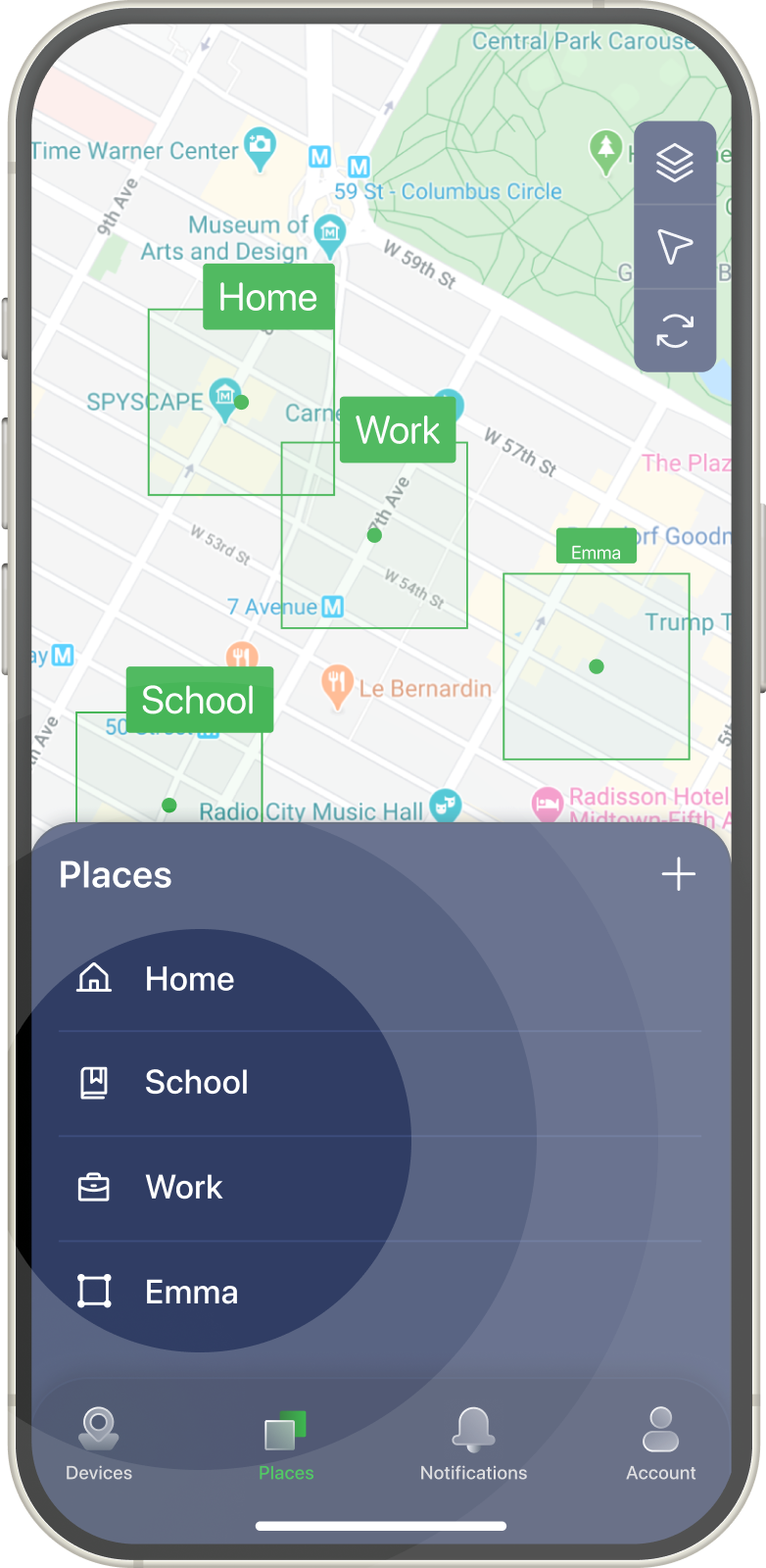
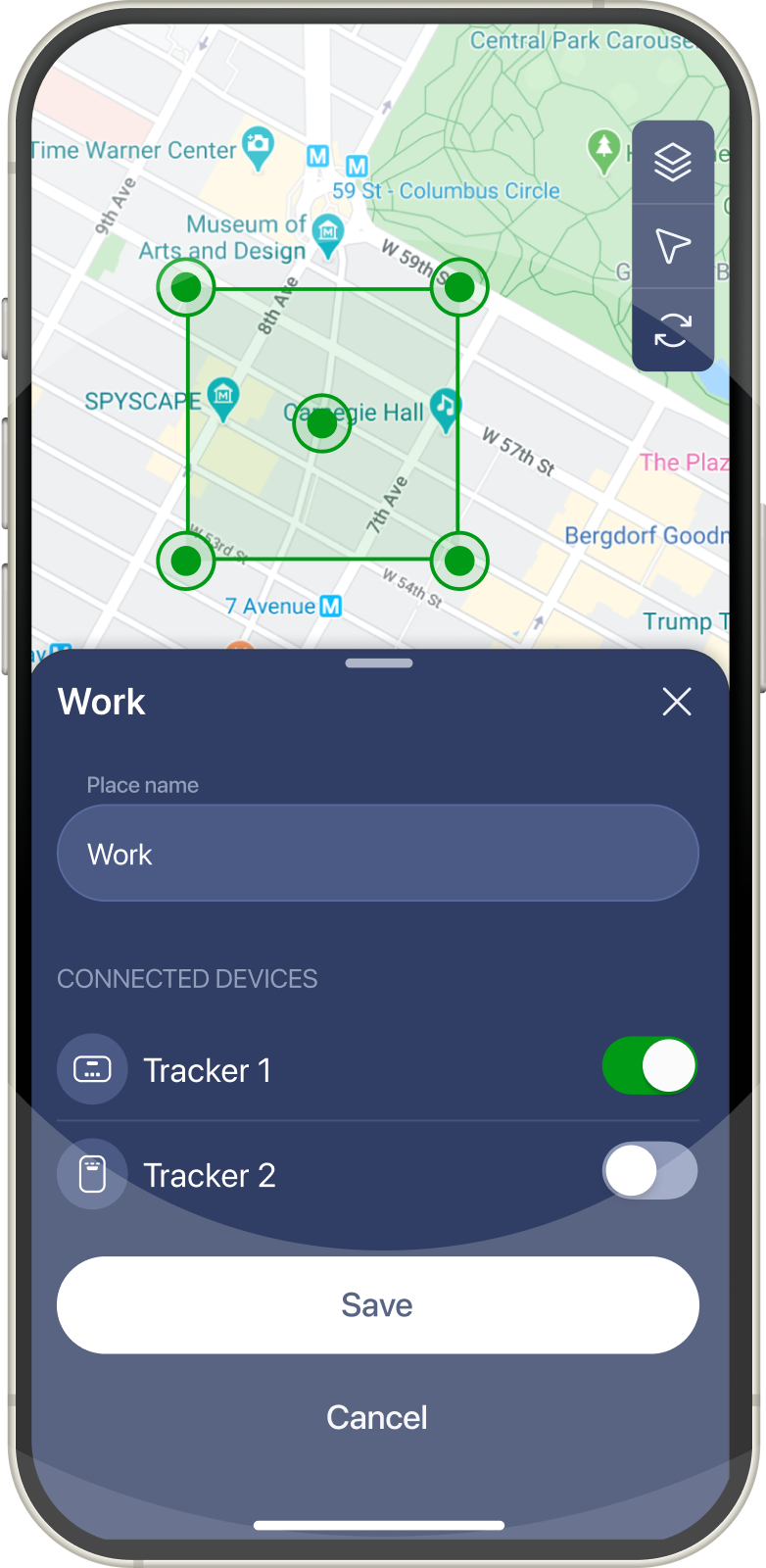
To edit any place - open the Places tab and tap on the place name you want to edit.
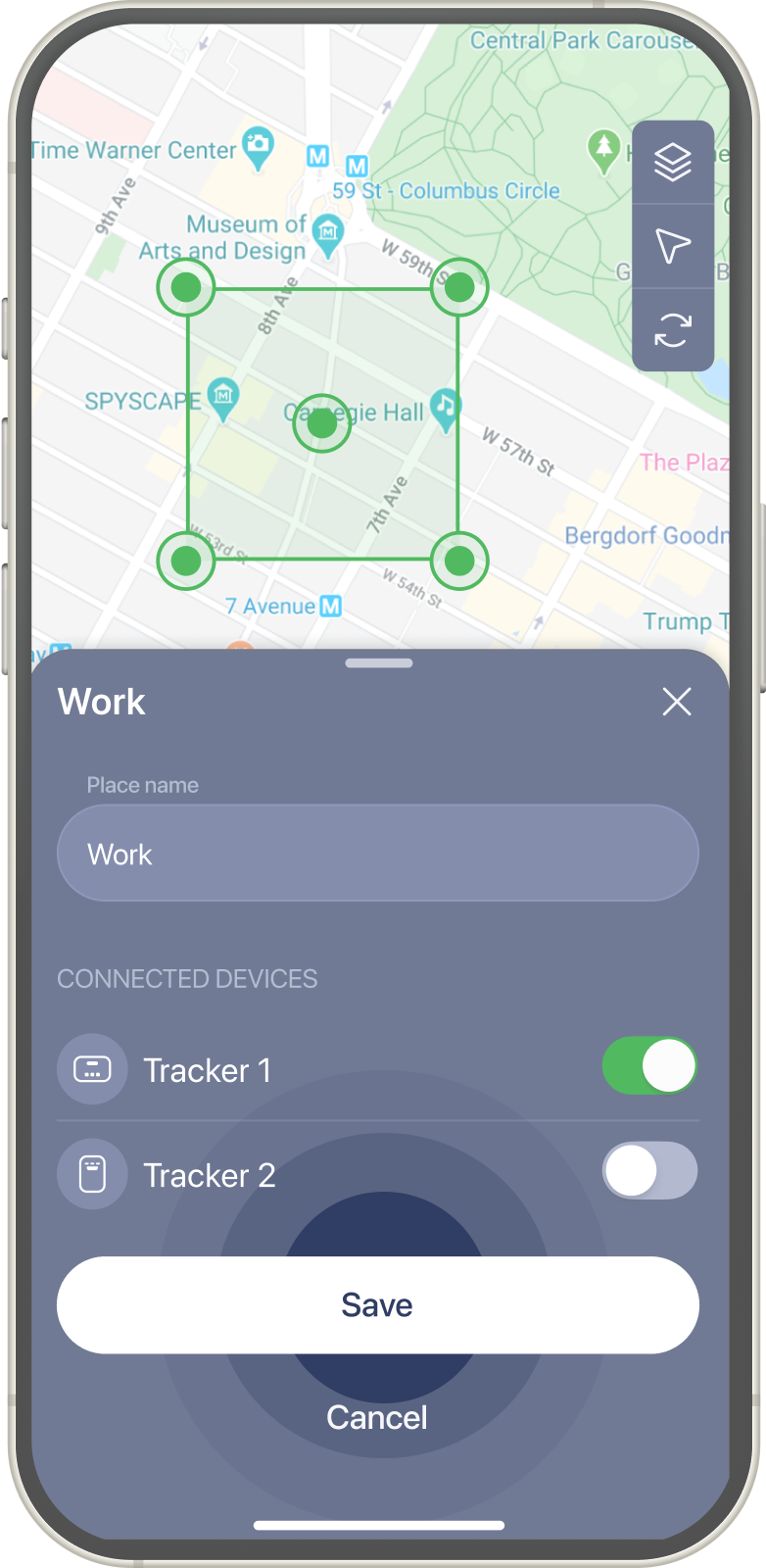
On new screen you can change place name, devices you want to apply this geo-fence to and fence perimeter.
When all changes are done - tap Save button.
Create
Delete