MyLoc8

AS300-Anleitung

Nehmen Sie Kontakt mit uns auf
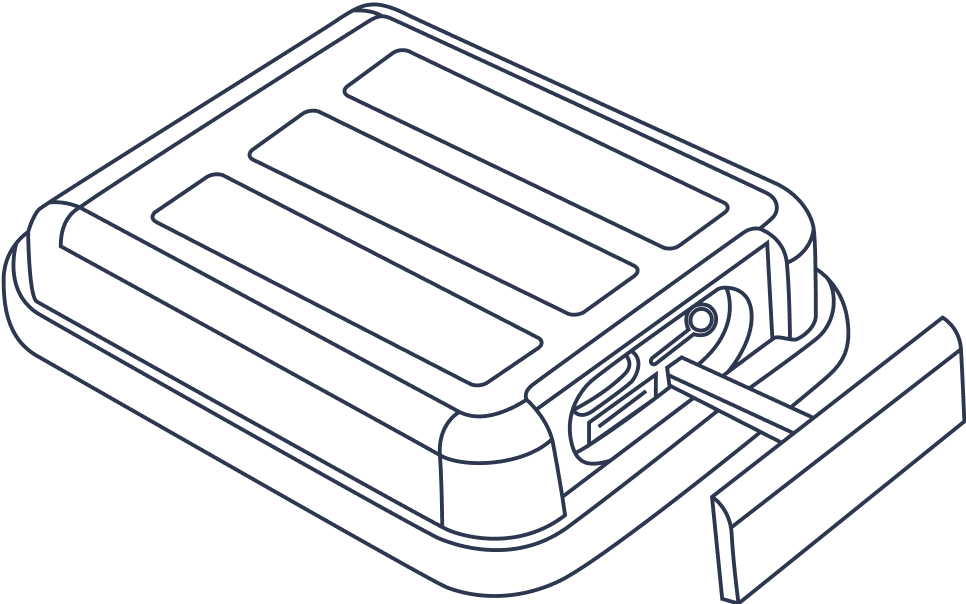
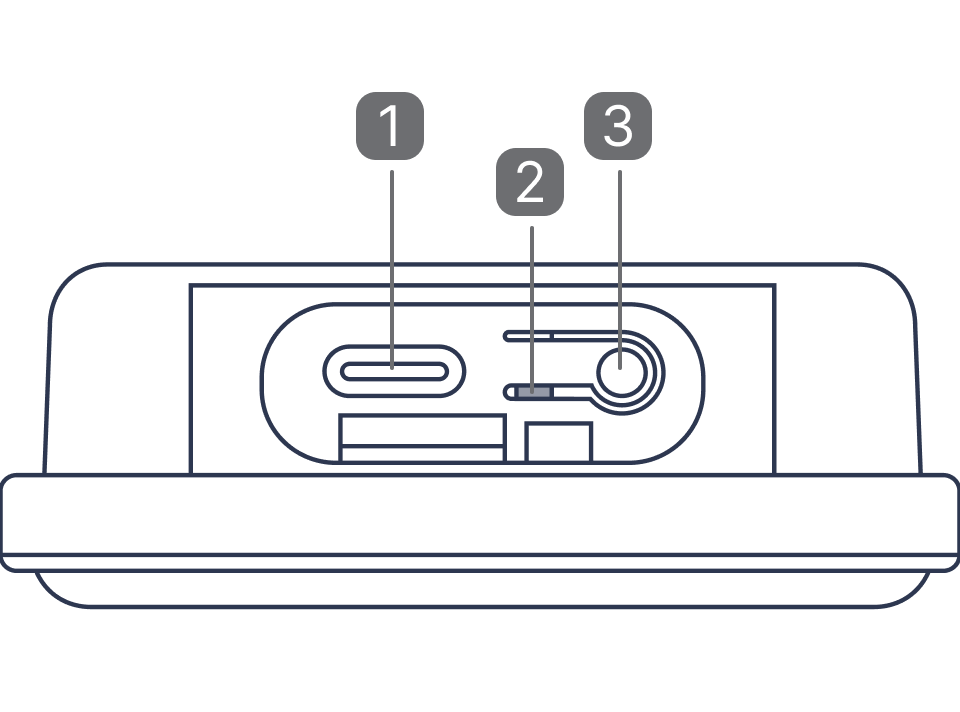
1. Charging Port

2. Light indicator

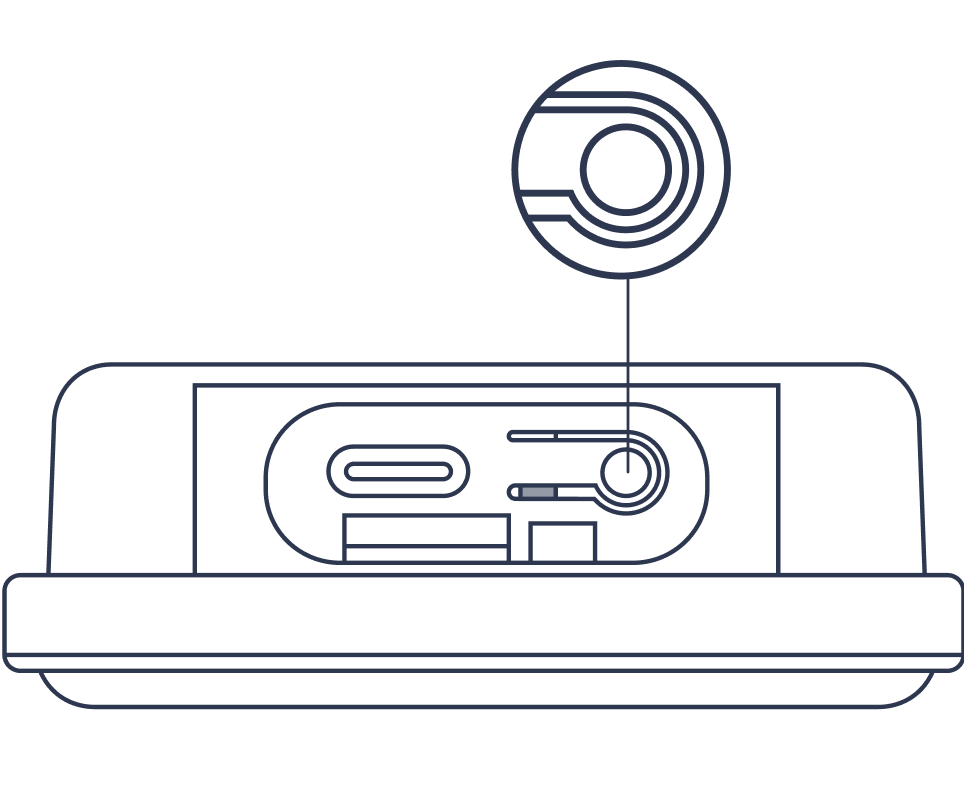
3. Power button

GPS Trackers need a clear view of the sky to properly receive signals and work best when the device is outdoors, and in or under the vehicle. Wi-Fi or cellular location will be used when the GPS signal is blocked by metal enclosures (i.e a trunk of a car), concrete, trees, heavy clouds and other interference factors.

Erste Schritte

Laden Sie Ihr Gerät auf

Laden Sie das Gerät vor dem ersten Gebrauch auf, bis eine durchgehend blaue Leuchte erscheint.

Schalten Sie das Gerät ein und starten Sie die Aufzeichnung

Um zu überprüfen, ob das Gerät eingeschaltet ist, drücken Sie bitte kurz auf die Taste – es sollte ein grünes Licht aufleuchten. Ist dies nicht der Fall, drücken Sie die Taste 5 Sekunden lang, um das Gerät einzuschalten (zum Ausschalten drücken Sie die Taste 3 Sekunden lang).

Beleuchtung

Device is starting up

Long press 3 sec

Device is powering off

Long press 3 sec

Battery capacity level
76%~100%

Single press

Battery capacity level
51%~75%

Single press

Battery capacity level
26%~50%

Single press

Battery capacity level
0%~25%

Single press

Device is charging

Flashes continuously

Device is fully charged